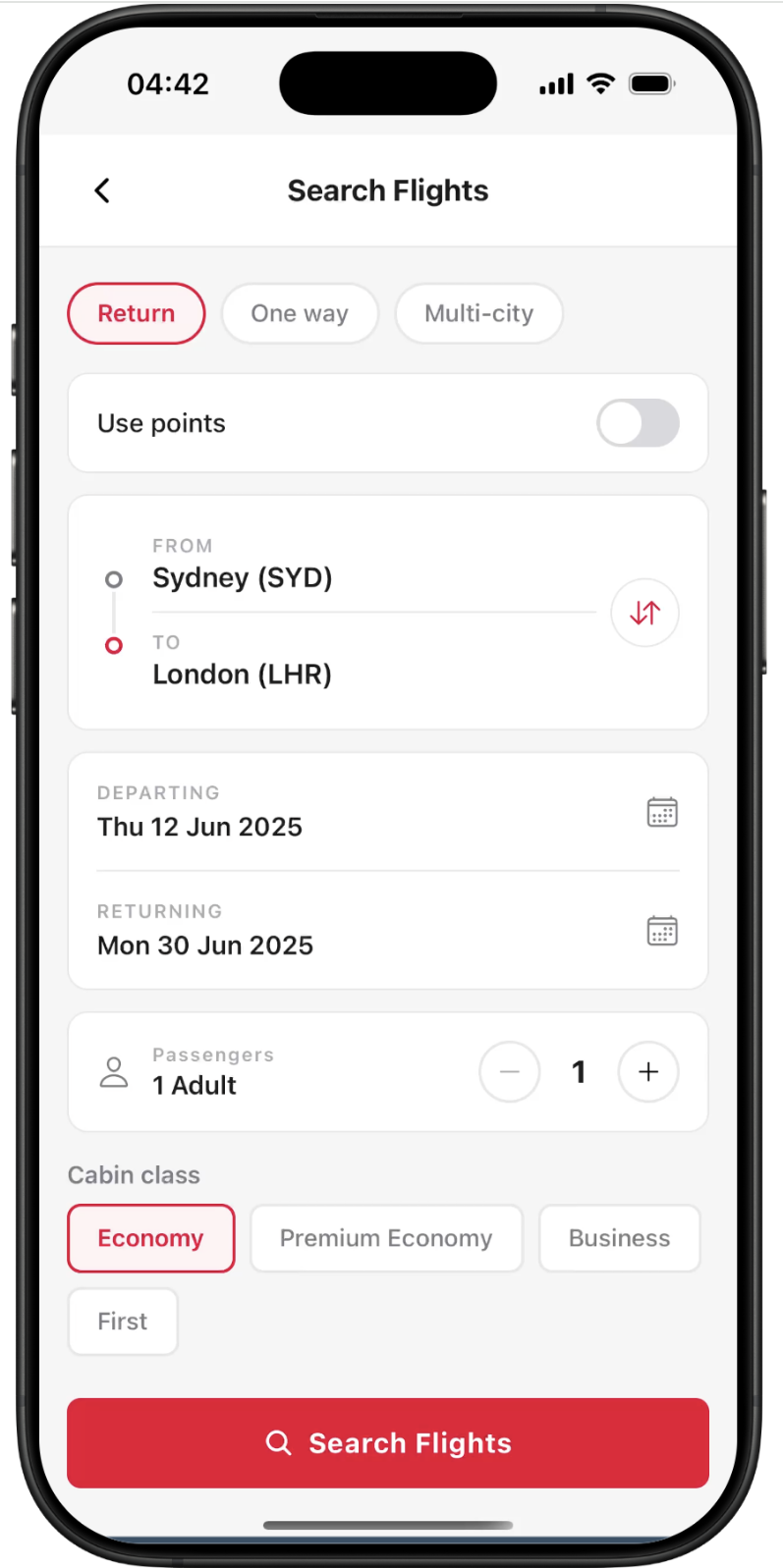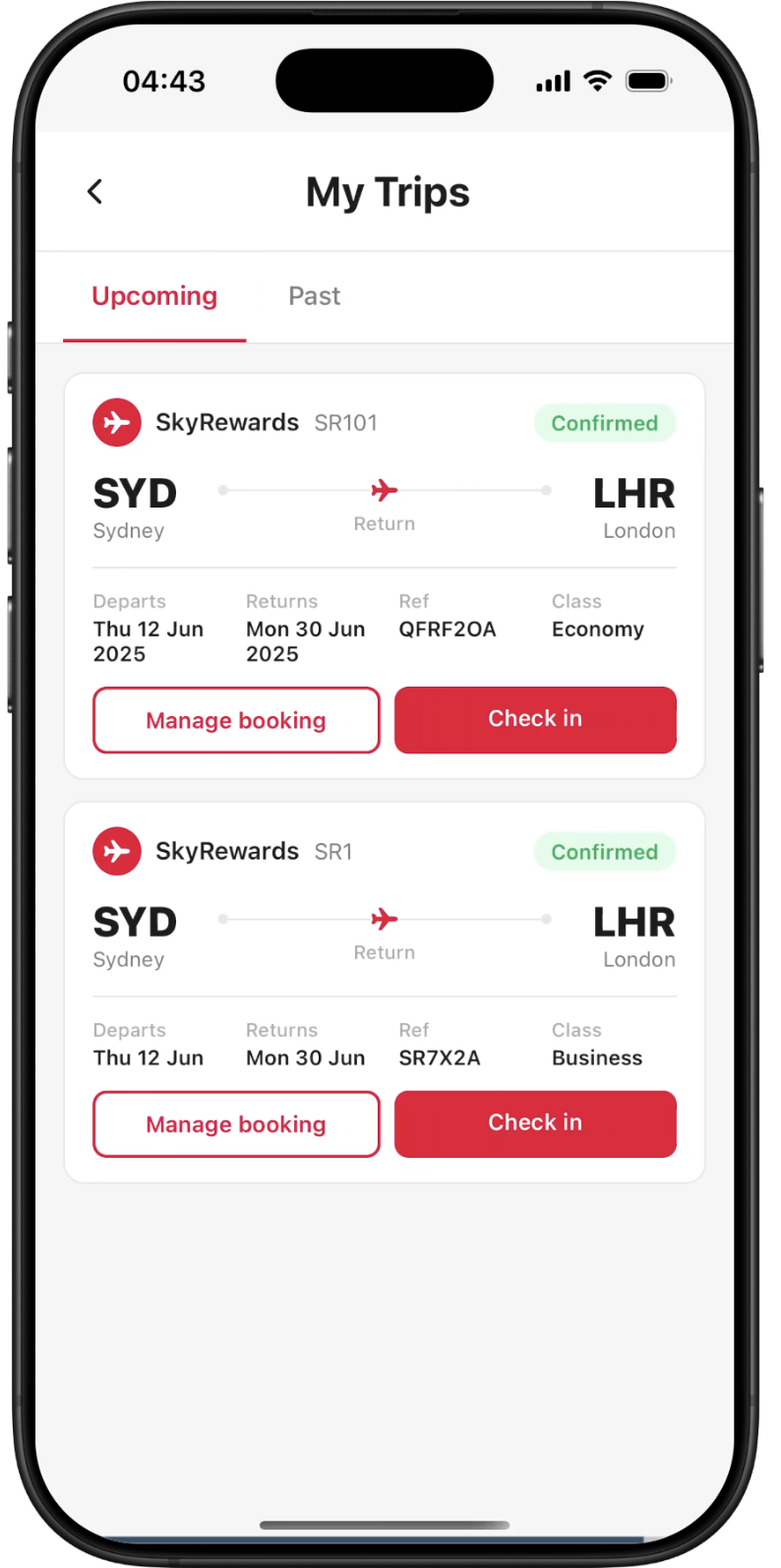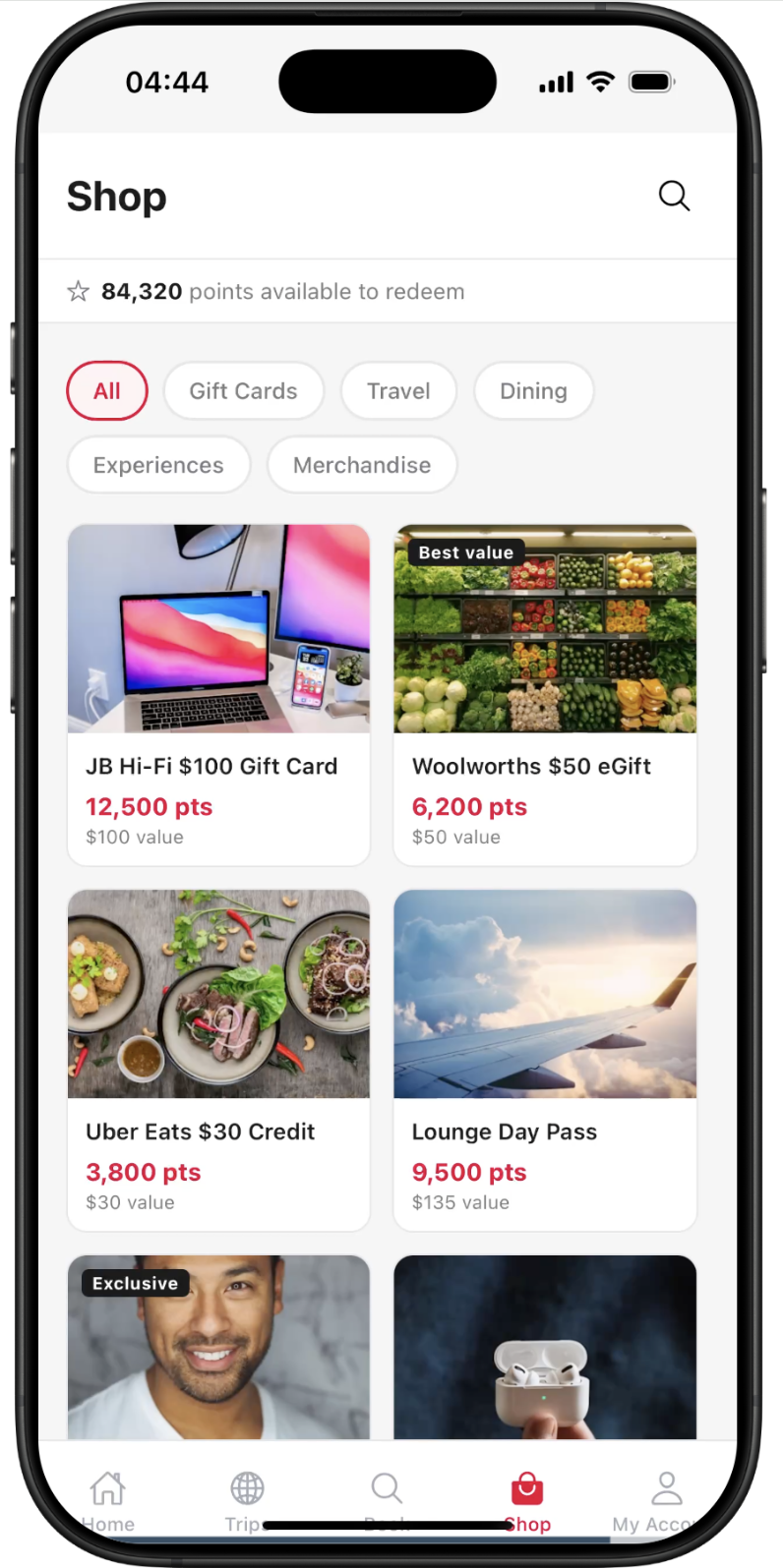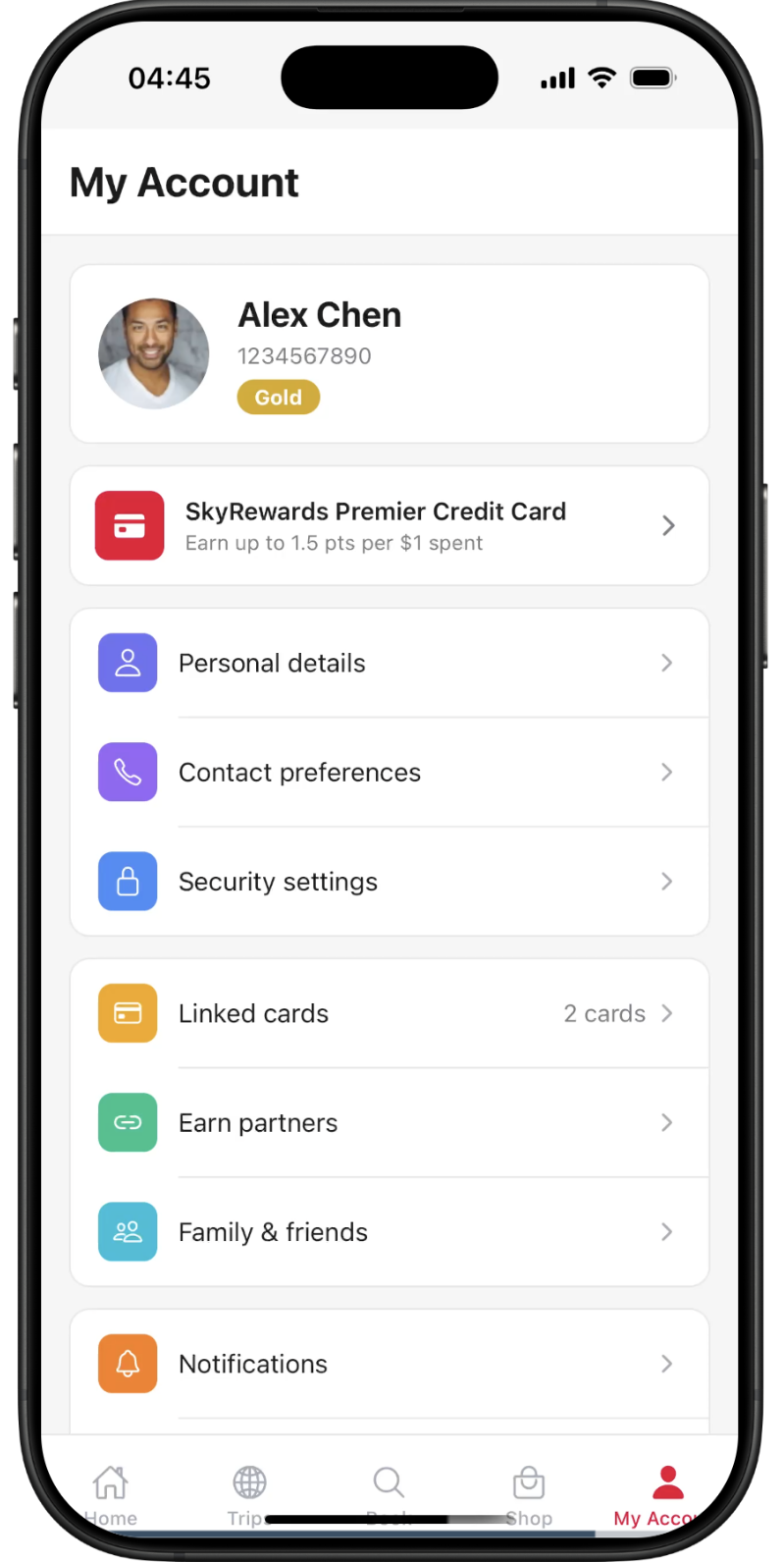
NewMeet the new RNBlocks Studio

Build the app
you wish existed.
Build iOS and Android apps with AI.

Or try

From a conversation.
To your first release.

Build your app, try it on a phone and get it ready for the stores.

FlowsScreensStudioPricingDocsBlog
Profile
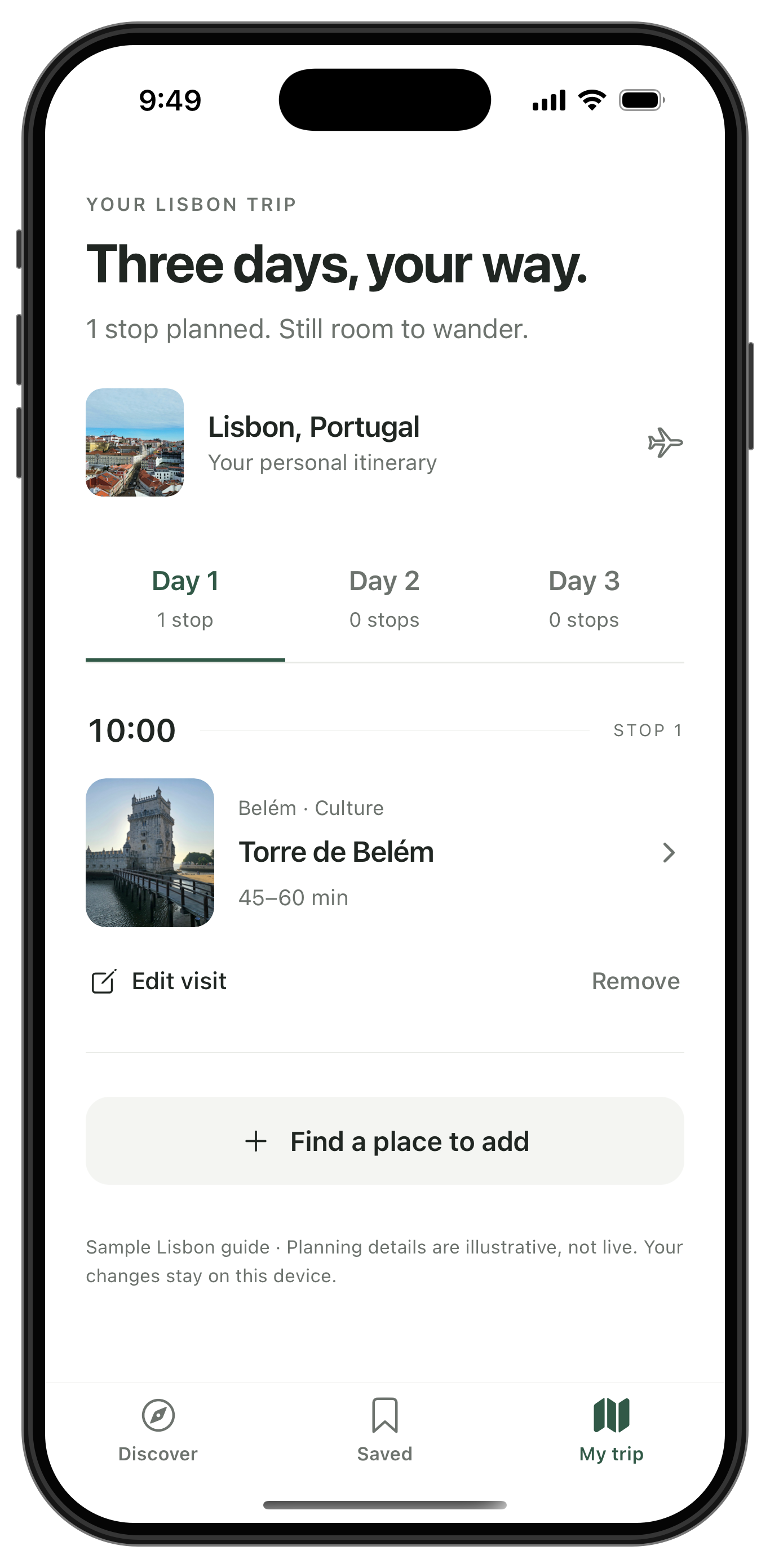
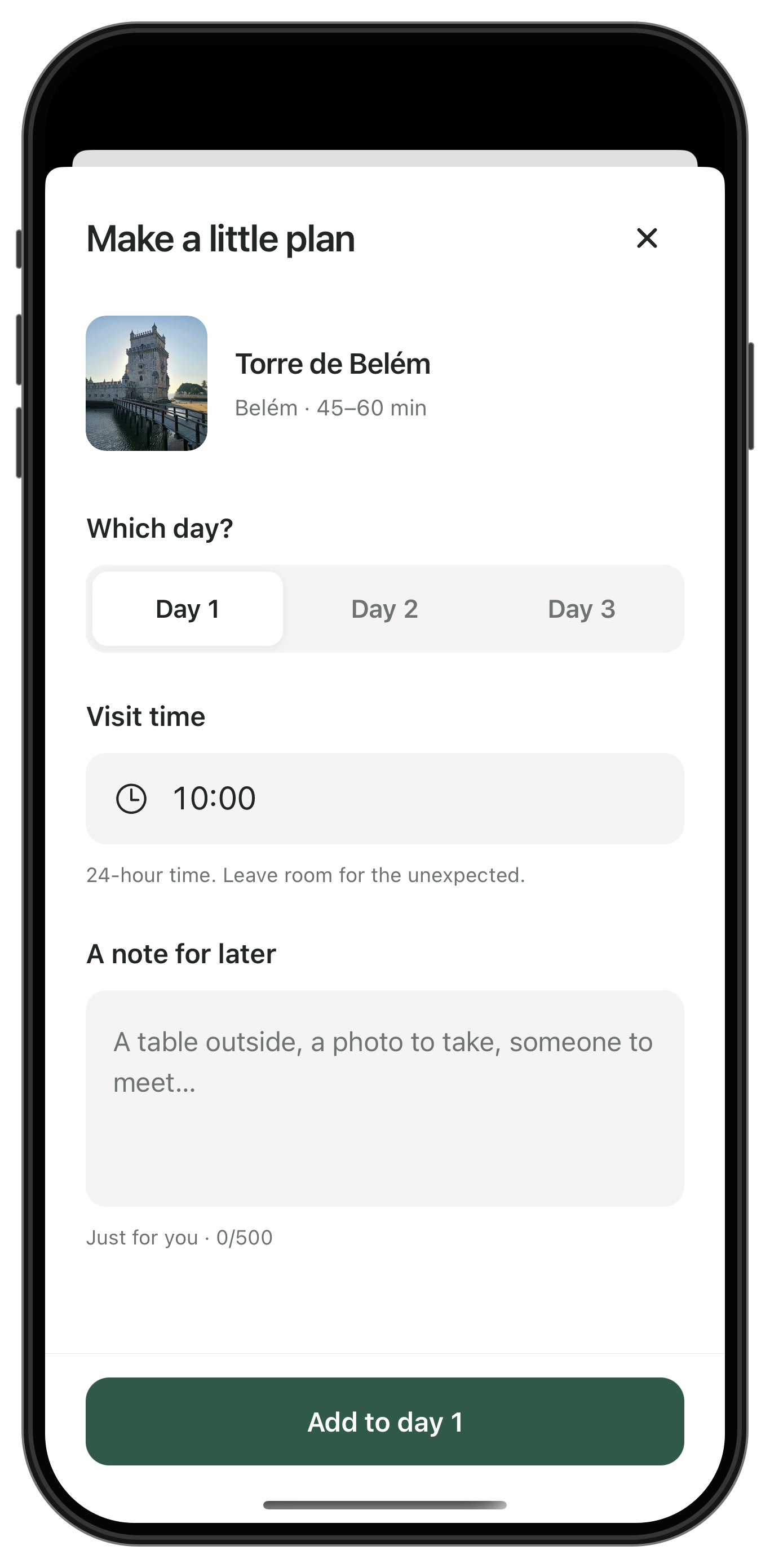
Build a travel app to discover destinations, save favorite places and plan a trip.
Thinking through your app…

Checked integrations

Supabase

Save favorite places across devices.

Loaded skill supabase

Generated app Wandr

Wrotescreens/ExploreScreen.tsx

Wrotescreens/DestinationScreen.tsx

Wrotescreens/SavedScreen.tsx

Wrotestores/tripStore.ts

WroteAppNavigator.tsx

Wrotetypes.ts

App structure & design

Preview ready. Try your app on the right.Preview ready. Open the Preview tab to try your app.

Describe a change… e.g. "Make the profile screen dark"
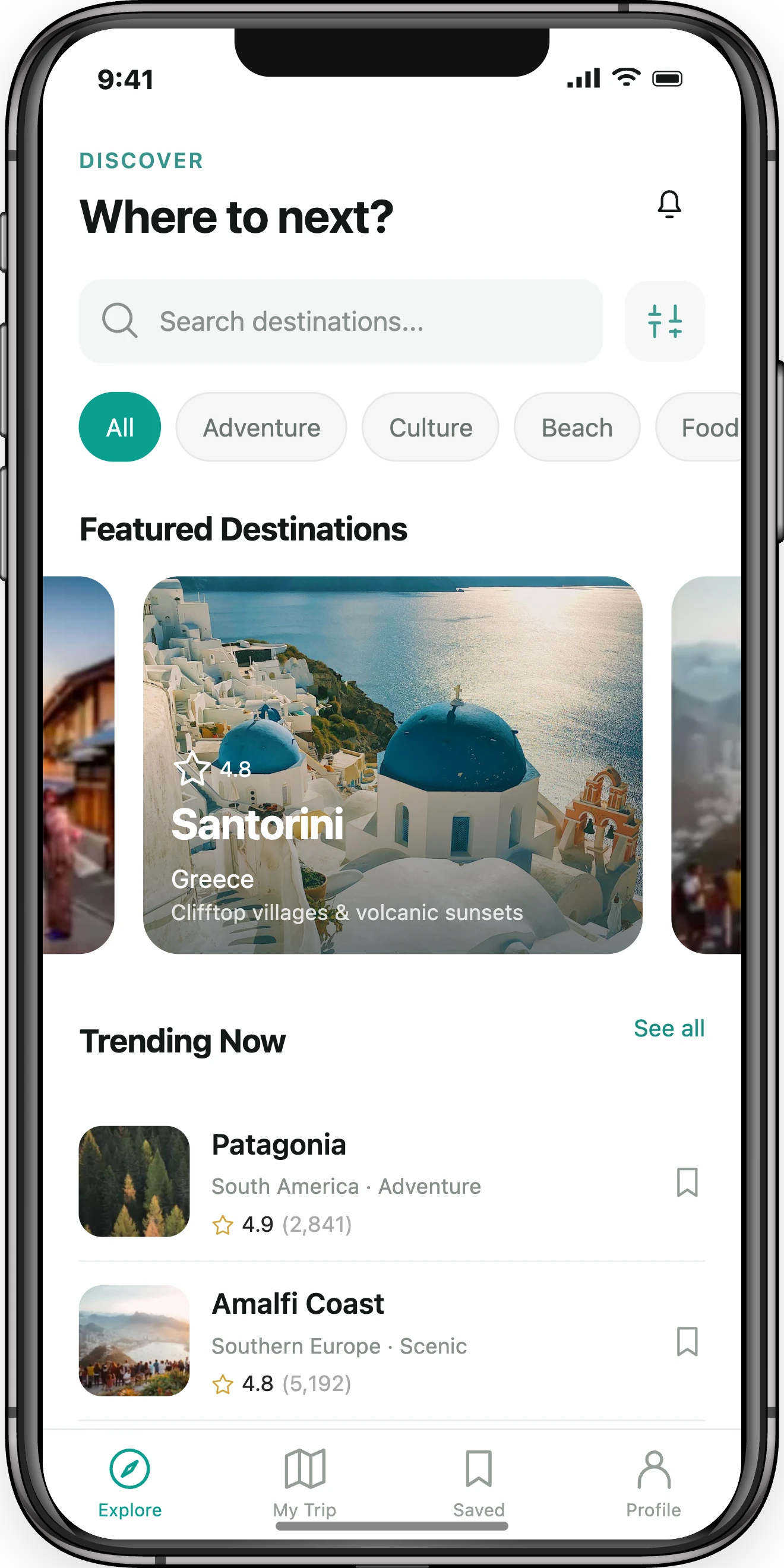
Wandr
Download .zip
9:41
DISCOVER

Where to next?

AllAdventureCultureBeachFood

Featured Destinations

Trending Now

See all
My DeviceAndroidiOSWeb

Native apps for iOS and Android.

iOS Android React Native Expo

Connect your app.
Make it do more.

Add user accounts, storage, AI, image generation and voice to your apps with connectors.

FlowsScreensStudioPricingDocsBlog
Profile
Let sellers create beautiful product photos for their listings.

Checked integrations

Connect Replicate to add AI product photography to Bazario.

Loaded skill replicate

Wrote services/productPhotography.ts

Describe a change… e.g. "Make the profile screen dark"
Bazario Preview
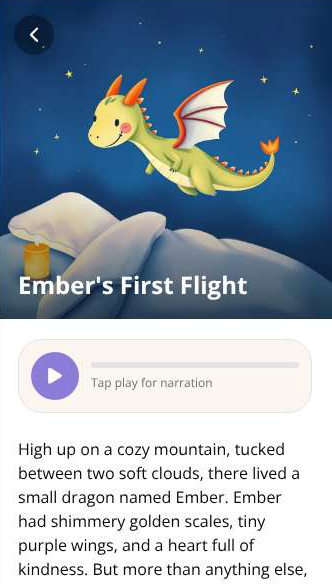
Ember’s First Flight in the actual Dreamweaver app
Connectors

Connect the services you need. Each connection belongs to your app.

More connectors coming soon.
ReplicateAI

Create images in your app.

Supabase for your backend. OpenAI, Anthropic, Groq, ElevenLabs and Replicate through Connectors. Product walkthroughs with real app captures and recreated native screens.

START WITH WHAT YOU HAVE

Turn your sketches
into a mobile app.

Upload a sketch, screenshot or design. Tell the agent how your app should work, then preview and refine it in Studio.

FlowsScreensStudioPricingDocsBlog
Profile
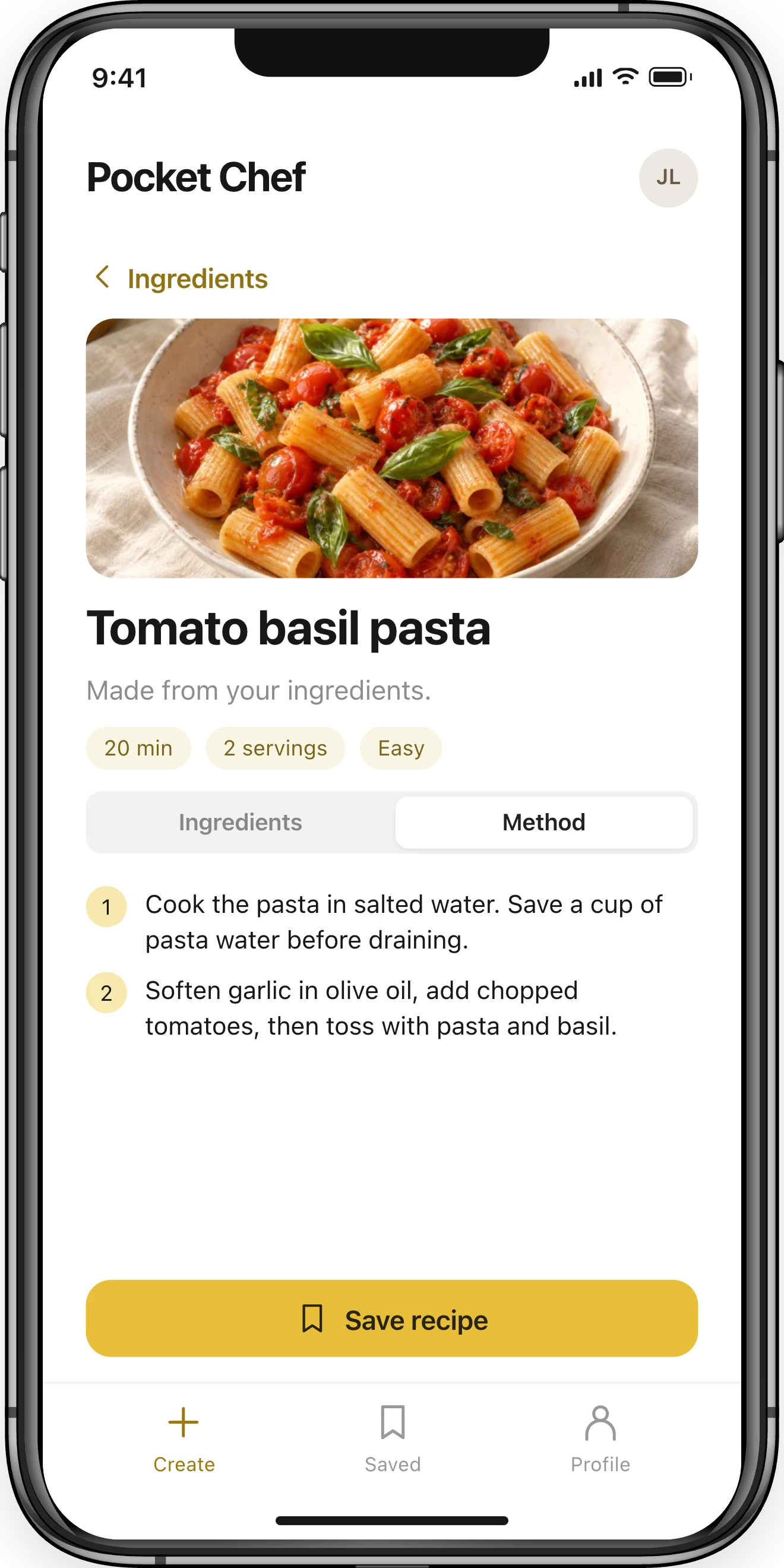
Pocket ChefTomato basil pastaIngredientsMethodSave recipe
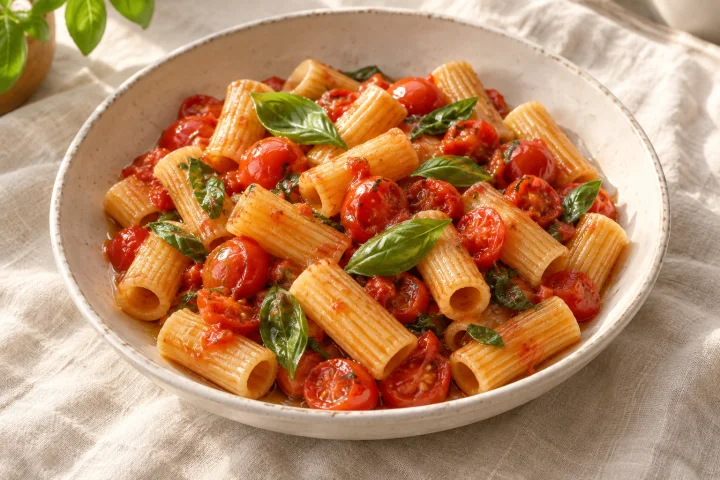
Build a recipe app from this sketch. Use warm yellow accents and let me save my favorite recipes.

Generating app Pocket Chef

Pocket Chef includes a recipe screen with ingredients, cooking steps and saved recipes.

Pocket ChefTomato basil pastaIngredientsMethodSave recipe

Build a recipe app from this sketch. Use warm yellow accents and let me save my favorite recipes.

Describe a change…
Pocket Chef
Publish Download .zip
Pocket Chef recreated native recipe preview
My DeviceAndroidiOSWeb

Start exploring.
Build at your pace.

Free

Explore what’s possible.

$0forever

100 free AI credits on signup

Create an account
  • Browse apps and screens
  • Try live previews
  • Download screen source

Pro

Bring your first app to life.

$15/ month

150 AI credits / month

Choose Pro
  • The full Studio toolset
  • Build and refine app flows
  • Export and share your work

Paid plans billed monthly. Cancel anytime.

Compare all plan details
iOS Android

Let’s make
your app.

Or try

A few things
before you start.

All common questions
What can I do with RNBlocks?

Build iOS and Android apps such as booking tools, habit trackers, community apps, travel planners and business apps. Use Studio to build and edit, connect services, test a native preview and prepare a store release with the publishing agent. Get started with RNBlocks

Can I build a game like GTA?

RNBlocks is designed for React Native mobile apps, not large 3D or open-world games like GTA. Simple quizzes, puzzles and turn-based experiences are more suitable starting points. Games that need a 3D world, advanced physics or real-time multiplayer need a dedicated game engine and specialist development. Plan your first app

Do I need to know how to code?

You can start by describing your idea in plain language, try the result and ask for changes. More complex features can need a developer’s help. Test your app before sharing or publishing it. Get started in Studio

Which services can I connect?

The connector guides cover Supabase, OpenAI, Anthropic / Claude, Groq, Replicate and ElevenLabs. Use them for features such as accounts, saved data, AI responses, generated images or voice, then test the actual feature in your app. Choose and connect a service

How do I start publishing my app?

Open your saved app in Studio and choose Publish. Tell the publishing agent whether you want to test on a phone, invite testers or prepare a store release. The workspace keeps settings, store details, screenshots and build results together. Prepare a release

Which accounts do I need to publish?

The accounts depend on your platform and testing or release destination. The direct build path uses Expo; Apple distribution uses the appropriate Apple developer and App Store Connect setup, while Google Play distribution uses a Play Console developer account. Account verification, app records and signing are separate steps. Review publishing accounts and costs

Can I download my app’s source code?

Yes. With an active Pro or Studio plan, choose Download .zip in Studio, or Options Download .zip on a phone. The exported app may still need its database and connected services, so verify those features outside Studio. Download and verify your app

Can I try Studio for free?

Yes. New accounts currently receive 100 promotional AI credits with no credit card required. This is a one-time signup offer, subject to the promotion terms, and does not refill each month. Read the signup promotion terms

Inside RNBlocks